




KDDI 5G Network provides
Non-stop internet
KDDI 5G Network provides
Non-stop internet
|
|
Lightning-fast 5G speeds with no slowdowns |
|
|
Same top quality network used by locals |
|
|
The best price per GB you’ll find |


As this plan connects directly to KDDI's local towers, it ensures low latency. The download ping is only 42ms, which is an excellent score. You can also experience download speeds of up to 600Mbps in 5G mode.
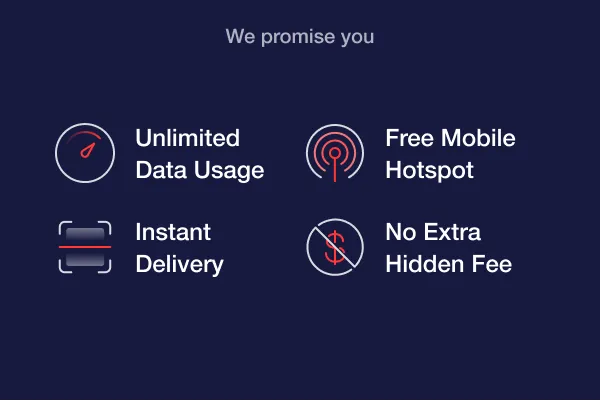
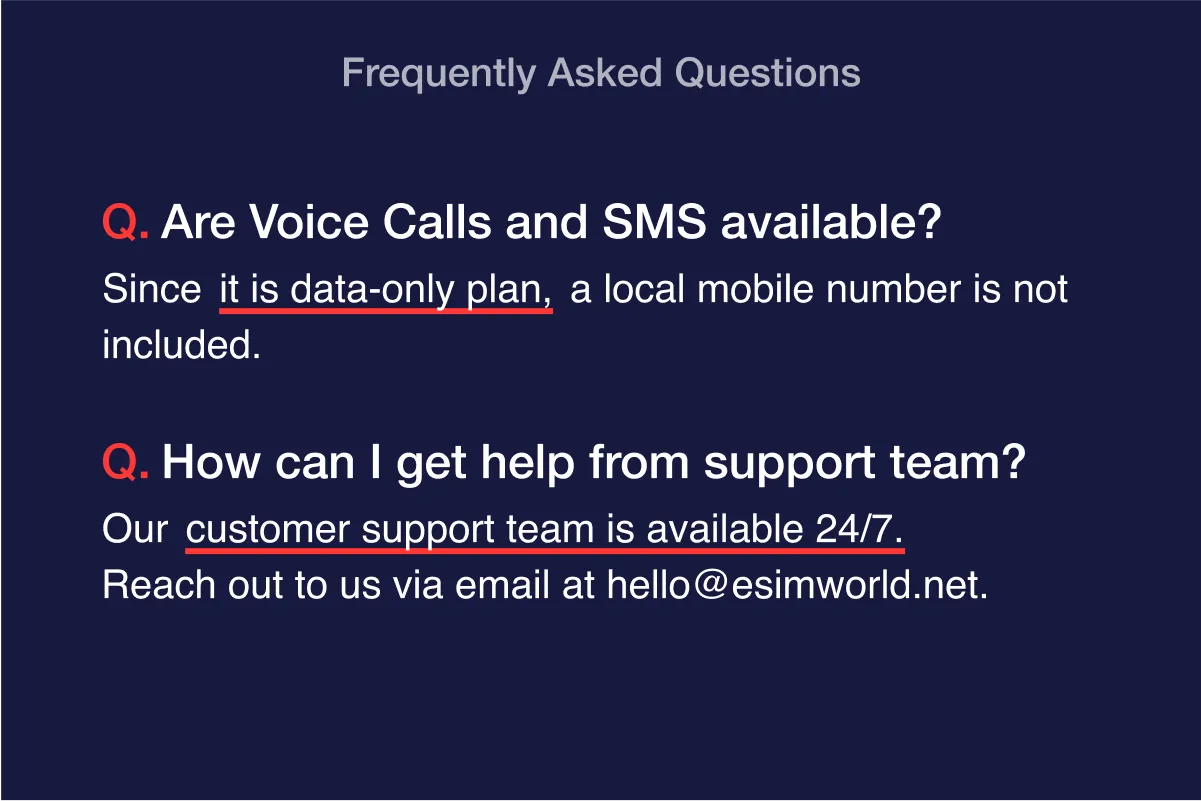
All our plans include
these benefits

Unlimited
at
Max Speed

Nationwide
Coverage

Free Mobile
Hotspot

Free au
WiFi Zone
Things to know
 |
Check CompatibilityBefore ordering, ensure your device is carrier-unlocked and compatible.
|
||||||||||||||||||||||||||||||||||||||||||||||||||||||||||||||||||||||||||||||||||||||||||||||||
|
Mobile HotspotThe mobile hotspot data allowance varies depending on the date option. Please refer to the details below. *Mobile Hotspot Data
|
||||||||||||||||||||||||||||||||||||||||||||||||||||||||||||||||||||||||||||||||||||||||||||||||
|
Activation PointData plan will start as soon as you connect to local network. You can scan the QR code and install the eSIM in advance. As this plan is directly provided by a Japanese Carrier(au by KDDI), there’s no need to toggle on [Data Roaming]. |
||||||||||||||||||||||||||||||||||||||||||||||||||||||||||||||||||||||||||||||||||||||||||||||||
|
5G Connectivity5G is available in compatible phones in 5G coverage zones. 5G coverage may vary depending on regional circumstances. Refunds due to lack of 5G support will not be accepted. |
||||||||||||||||||||||||||||||||||||||||||||||||||||||||||||||||||||||||||||||||||||||||||||||||
|
Unable to Reinstall or TransferRemoving the eSIM will delete the data plan from your phone. You can’t install the eSIM again. Please do not remove your eSIM by tapping [Remove Cellular Plan] button while in use. |
||||||||||||||||||||||||||||||||||||||||||||||||||||||||||||||||||||||||||||||||||||||||||||||||
|
For assistance, contact the ESIMWORLD.net anytime at [email protected] or via WhatsApp. |
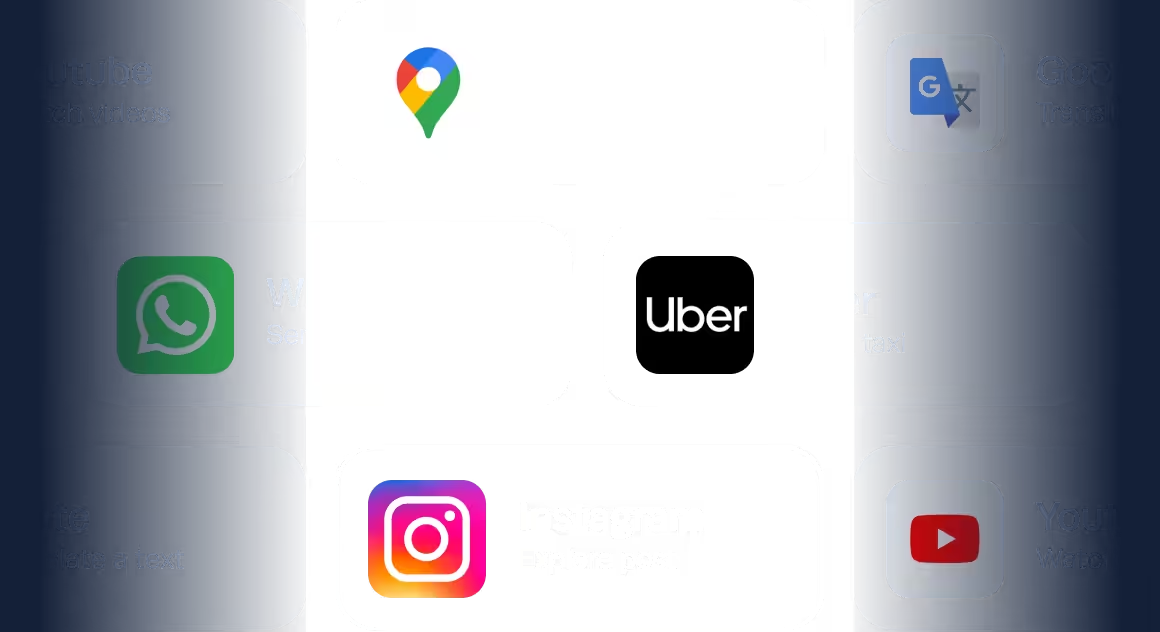
Unlimited data is enough for travelers to do everything
Translate a text on Google Translate
Watch videos on Youtube
Search routes on Google Maps
Send a text message on WhatsApp
Call a taxi from Uber
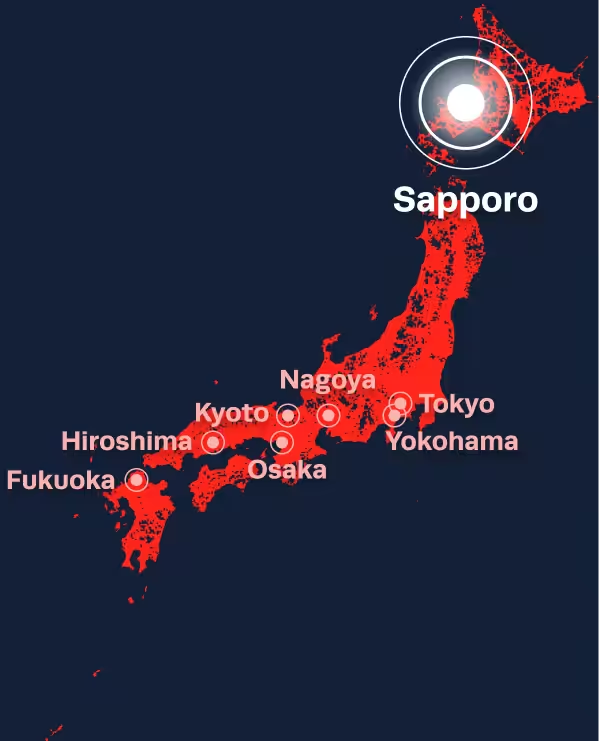
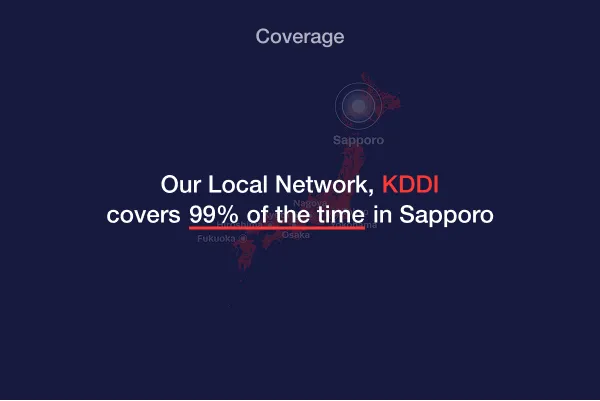
Our Local Network provides best connection in Sapporo
eSIM Sapporo offers reliable service on the KDDI’s network. You’ll enjoy 4G LTE speed not only in Sapporo but also everywhere in Japan.
|
|
|
|
|
 |



150,000+ Travelers like you already used our eSIM
Join them now!
We have helped thousands of customers get hassle-free connectivity. Experience the easiest way to stay connected.
What you can expect






How it works

Get eSIM at your fingertips, Get ready for your trip!
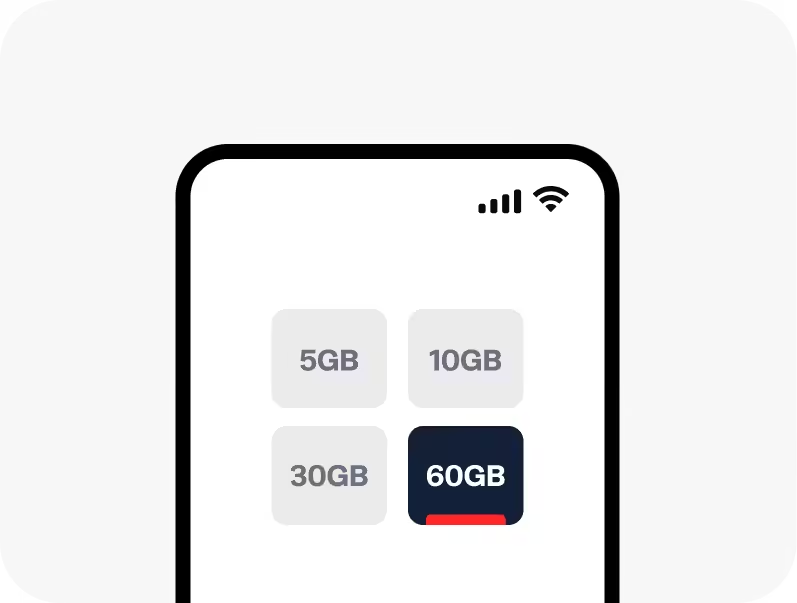
Step 1
Pick a plan
Choose the plan that suits your travel needs and place an order.
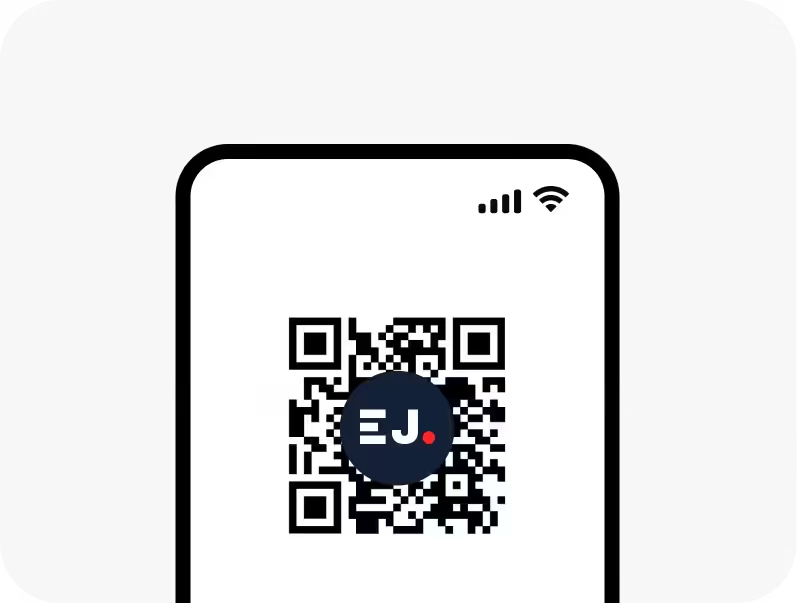
Step 2
Scan the QR code
Receive the QR code via email and instantly scan it to activate.
Step 3
Ready to go!
Have a light and enjoyable trip without any data concerns.

Our Promise
24/7 Personalized Support
No matter when you reach out—whether it's 2 PM or 2 AM— our dedicated customer support team is ready to help you. Get practical and helpful solutions from skilled human experts.

Frequently asked questions
Can I use eSIM Sapporo in other cities across Japan?
Yes, eSIM Sapporo works not only in Sapporo but also 99% of the time in Japan. City eSIM Plans help you connect to the best network in the selected city.
If you plan to stay longer in a particular city, consider choosing our City eSIM Plans for added convenience.
Should I order and activate an eSIM before traveling?
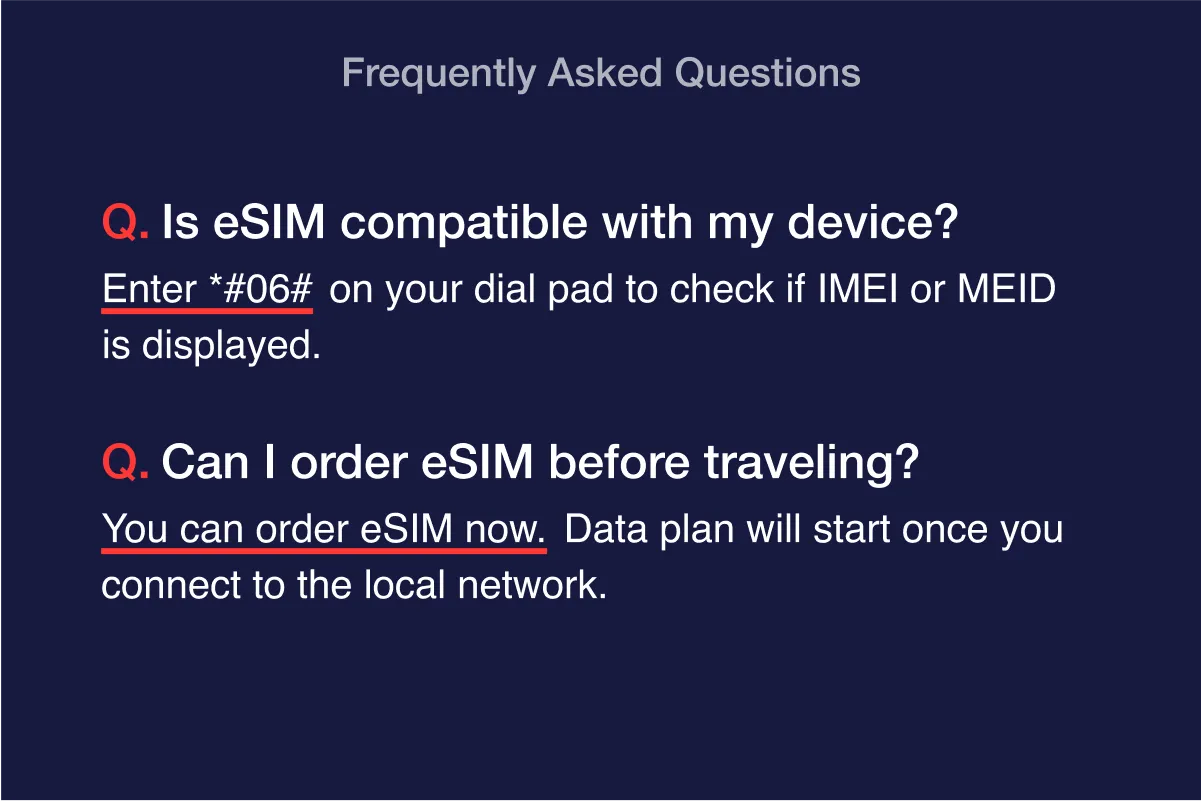
You can purchase an eSIM at your convenience, either one day before your travel date or upon arrival at your destination.
Additionally, please note that to install the eSIM, your device must be connected to a Wi-Fi or a cellular data network.
Does eSIM Sapporo truly offer Unlimited Data?
Yes, there is no speed cap. However, excessively high mobile data usage may result in carrier penalties without prior notice. Please note that no refunds, cancellations, or returns will be accepted.
Is 5G network available in all areas of Japan?
5G is available in compatible phones in 5G coverage zones. 5G coverage may vary depending on regional circumstances. Refunds, cancellations, or returns, due to lack of 5G support are not possible.
Are voice calls and SMS available with the eSIM plan?
You cannot make phone calls or use SMS with this eSIM plan.
eSIM Sapporo plan is data-only and do not include a local mobile number.
Where can I use Free au WiFi?
Please check the au WiFi Zone here: https://au.wi2.ne.jp/area/.
Common au Free WiFi Zone: Starbucks, Doutor, KFC, Subway, Don Quijote, Big Camera
After my eSIM plan expires, can I extend it?
Please note that we do not offer a top-up service for eSIM Sapporo plan. Instead, we recommend purchasing a new eSIM plan and installing it on your device again.
Are there any inaccessible mobile apps when using the eSIM plan?
You are free to use all mobile apps without any restrictions.
What should I know about purchasing multiple eSIMs?
1. Check the ICCID and install each eSIM separately.
Each eSIM can only be installed once and on one device.
Please use the ICCID to distinguish each eSIM and install them on different devices.
You can find the ICCID and Order Number on your QR code voucher.
2. Make sure you’re installing on the correct device.
After an eSIM is installed on a device, it cannot be moved to another device.
Please double-check the intended device before installation.
3. One ICCID per device.
Do not scan the same ICCID on two devices.
Each eSIM must be installed on a separate device.
4. Do not delete the eSIM.
Once deleted, the eSIM cannot be reinstalled.
If you are experiencing an issue, please contact customer support before removing it.
How can I get support from ESIMWORLD.net Team?
You can contact our Team anytime at [email protected] or on WhatsApp.
Reviews on eSIM Sapporo
 eSIM Sapporo
| 5 star | 67% | |
| 4 star | 33% | |
| 3 star | 0% | |
| 2 star | 0% | |
| 1 star | 0% |


저렴하게 데이터를 사용할 수 있어서 좋았습니다.
Easy to setup and use. Only downside is that you can’t track your usage.
Had to restart my S21 Ultra two times, but got it to work when I turned on the roaming data setting. From there it worked flawlessly.
One thing would be nice though, like if there could be a daily email of how much data was used and how much remaining. I basically had to “cross my fingers” and hope I still had data to use towards the end of my trip. I still don’t know how much data I used.