

Everything you need to know about staying connected in Japan — what eSIM is, how it compares to your other options, and which one fits your trip.
OVERVIEW
How travelers stay connected in Japan
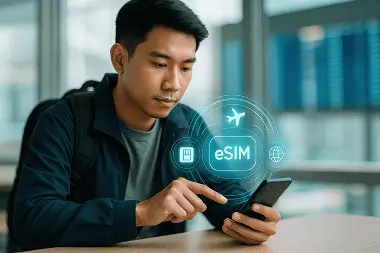
eSIM
A digital option you can buy online, install before your trip, and use as soon as you land in Japan.
Best for most travelers
Pocket WiFi
A shared option that lets multiple devices connect, but needs pickup, charging, and extra device to carry.
Better for shared travel
Roaming
A familiar option that uses your existing number, but costs can vary widely depending on your carrier.
Check costs first
 Works directly on your phone
GUIDE
Start with the guide you need
Use the guides below to go deeper depending on what you want to compare first.
COMMON QUESTIONS
Questions travelers often ask
What is an eSIM and how does it work?
An eSIM is a digital SIM built into your phone, so there’s nothing physical to insert or remove. Instead of putting in a plastic SIM card, you install a carrier profile digitally — usually by scanning a QR code or following a setup link. Once that profile is added, your phone can connect to a supported mobile network just like it would with a regular SIM card.
Is eSIM better than Pocket WiFi for Japan?
For most solo travelers, yes. If everyone’s traveling together and some phones don’t support eSIM, Pocket WiFi keeps things simple. If you’re splitting up at any point — different trains, different schedules — having data on each person’s phone is more reliable than sharing one device.
How can I get an eSIM?
Buy it online before your trip, scan the QR code you receive by email, and install it directly on your phone. In most cases, activation starts automatically when you land in Japan. Before buying, confirm your phone supports eSIM and is carrier-unlocked.
What are the disadvantages of an eSIM?
The main limitation is compatibility — not every phone supports eSIM. Also, if your phone is lost or damaged, recovering your plan usually requires help from the provider instead of simply moving a physical SIM card.
For most travelers, these are minor issues, but they’re still worth knowing before you buy.
Will eSIM work without the internet?
Yes. Once installed, it connects to mobile networks on its own — no WiFi needed. The Internet is only required during the initial setup, which is why installing at home before your trip is the standard approach.

