

Best eSIM Japan Plans

5G Unlimited Max
★4.98 (985 reviews) ・ 86K+ sold
Valid for 3-31 days
Starts at
Original price was: $15.99 USD.$11.99 USDCurrent price is: $11.99 USD.

Unlimited Data
★4.96 (2.5K+ reviews) ・ 34K+ sold
Valid for 3-30 days
Starts at
Original price was: $6.65 USD.$4.99 USDCurrent price is: $4.99 USD.
10GB Data
★4.92 (1.3K+ reviews) ・ 16K+ sold
Valid for 20 days
Original price was: $19.99 USD.$14.99 USDCurrent price is: $14.99 USD.

Today's eSIM Speed Status in Japan
Seamless
Download
181.0 Mbps
Upload
52.5 Mbps
PING
39 ms
Measured live across Japan
Tested with au KDDI 5G Unlimited eSIM
Why travelers choose our Japan eSIM
Not all eSIMs perform the same in Japan. We’ve tested multiple networks
across Tokyo, Osaka, and Kyoto — and the difference is real.
|
| Our tested eSIM maintains stable speeds in crowded areas like Shinjuku or Shibuya. |

|
| No app downloads. No confusion. Scan the QR code, and you’re connected within minutes. |

|
| Some providers throttle hotspot usage. Ours doesn’t — you can share freely across devices. |

|
| Use your home number for calls and SMS, while your eSIM handles data in Japan. |

|
| Pay once and you’re done — renewals and hidden fees are never part of the deal. |

|
| You see the full cost upfront. What you pay is what you pay, even after your trip. |

How does eSIM for Japan work?

Get eSIM at your fingertips, Get ready for your Japan trip!
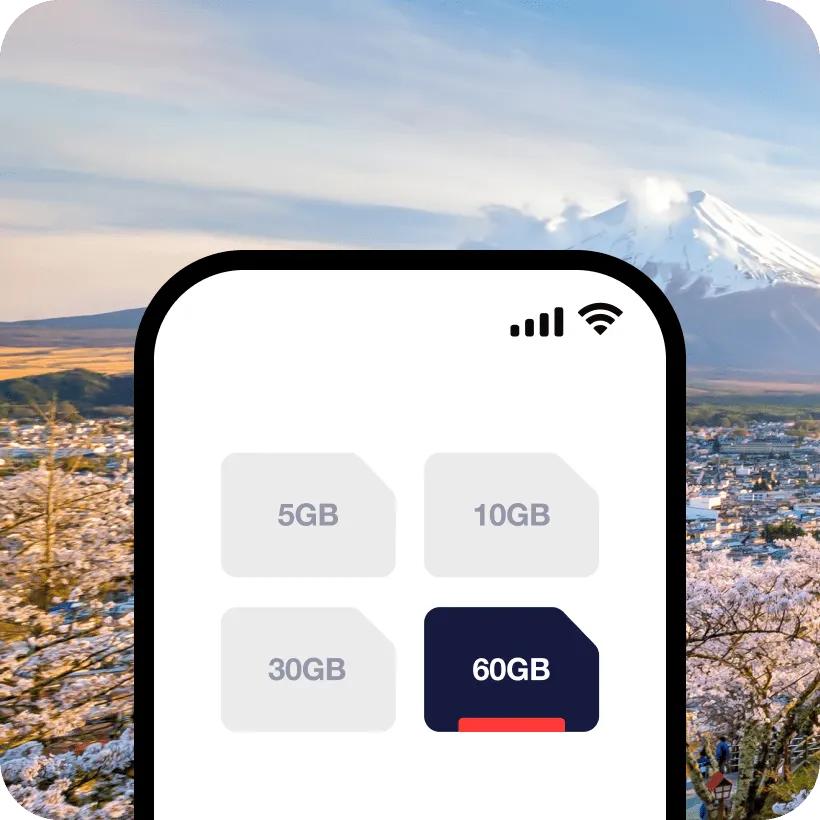
Step 1
Pick a plan
Choose the plan that suits your travel needs and place an order.
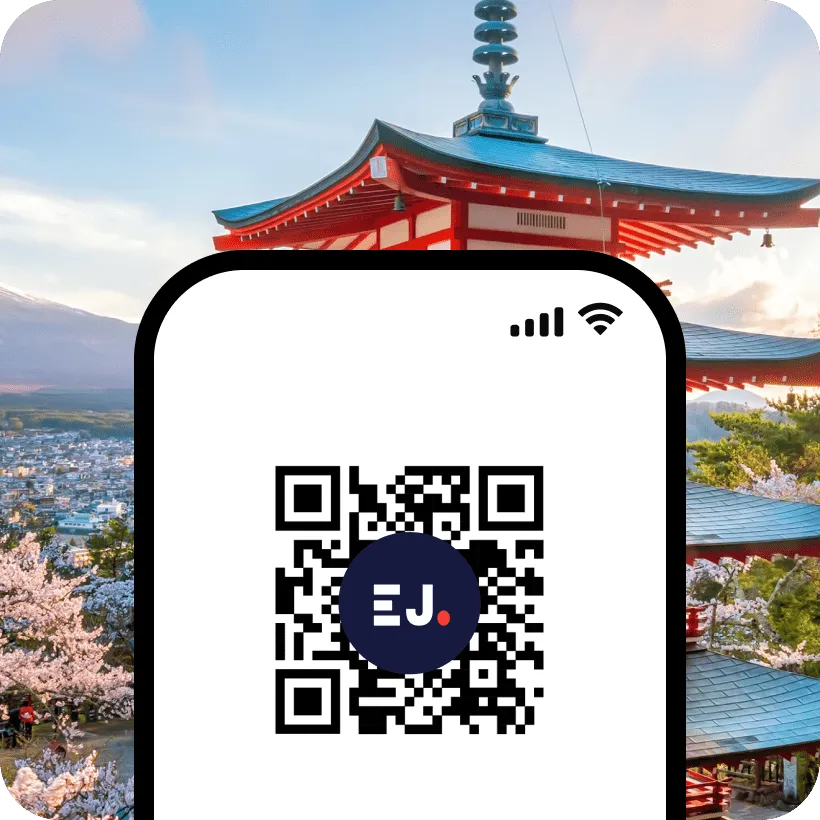
Step 2
Scan the QR code
Receive the QR code via email and instantly scan it to activate.
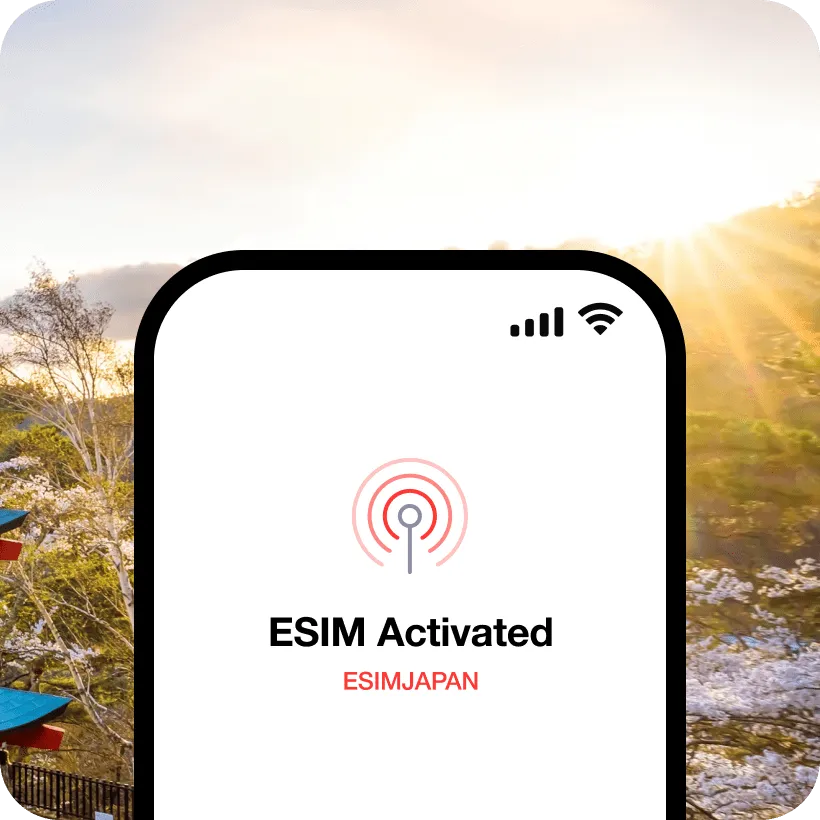
Step 3
Ready to go!
Use maps, message apps, and ride services without interruption.
Our 24/7 specialists are here to help you
Start your journey with confidence. Our dedicated customer support team is available to help you from anywhere in the world. Reach out to us via email or WhatsApp.
 |
Get help within 5 minutes. |
|
Connect with real human support, not an automated response. |
|
Get effective and real solutions from our knowledgeable experts. |
What travelers are saying about our eSIM in Japan
Joe
 Verified owner
i have to thank all the team behind this great service...i am using the esim world and operating now from Bangladesh, i used before in Macau many times, Hong Kong many times and Dubai also many times... fantastic coverage, super easy activation and friendly use...100% recommended.... thank you
2 days ago
Richard Butler
Verified ownerFast efficient service. Esim worked as expected. I use this company when I travel abroad as well as my requirements i Japan. Good help desk when required. Full 5 star rating from me.
1 week ago
Sybille W.
Verified ownerAnother perfect experience with ESIMJAPAN - super-stable network, easy installation/access, and no issues whatsoever. Will use again next time, and the time after that ... and so on! Thank you!
1 week ago

Henry y.
Verified ownerLoved it. Didn’t have connection issues or anything
1 week ago
Silvio
Verified ownerFast and easy installation
2 weeks ago


Japan Mobile Network & Performance
01
Mobile Networks
Japan offers one of the most advanced mobile networks in the world, with strong nationwide coverage and high-speed data across cities and travel destinations.
The three main network operators in Japan are:
- NTT Docomo – Widest nationwide coverage and strong performance across urban and rural areas
- KDDI (au) – Reliable network with excellent balance of speed and stability
- SoftBank – Fast speeds in major cities and tourist zones
While NTT Docomo is often considered the largest network in Japan, access to its network is limited for short-term travel eSIM products. For international travelers, eSIM services typically operate on partner networks — and in many cases, KDDI offers the most consistent and reliable experience for short-term visitors. Network performance can also vary depending on location, congestion, and time of day. That’s why choosing the right eSIM provider matters. We continuously analyze real-world network performance across Japan through our independent testing program. Explore real-world performance insights in our Connectivity Lab below.
02
Real-World Performance
Connectivity Lab is our in-house research initiative where we test real mobile network performance across Japan. Instead of relying on theoretical coverage, we measure actual speeds, latency, and stability in real travel scenarios — including city centers, transit systems, and high-density tourist areas.
Our latest reports include:
Tokyo Network Performance Test
Real-world speed and latency results across major districts.
Japan Sakura Season Connectivity Report (2026)
Network performance under peak tourist congestion.
Narita/Haneda Airport Field Test
Performance insights from one of Japan’s busiest travel destinations.
These insights help travelers choose the most reliable eSIM for their trip — based on real data, not assumptions.
First time using eSIM for your trip to Japan?

Count on us for your stress-free eSIM experience.
01
What is eSIM?
An eSIM is a digital SIM built into your phone.
Instead of inserting a physical card, you install a mobile plan by scanning a QR code.
In practice, it means:
- No waiting at the airport
- No swapping SIM cards
- No risk of losing your original SIM
You land, turn it on, and you’re connected.
02
Is my device compatible?
Most modern smartphones support eSIM — but not all.
- iPhone: XR and newer models usually work
- Android: Recent Samsung Galaxy and Google Pixel devices are typically supported
However, some devices (especially those from China or Hong Kong) may not support eSIM.
The easiest way to be sure:
Check our supported device list or your phone settings before purchase.
Apple iPhone
✓ Compatible device
iPhone Air
iPhone 17, 17 Pro, 17 Pro Max
iPhone 16, 16 Plus, 16 Pro, 16 Pro Max
iPhone 15, 15 Plus, 15 Pro, 15 Pro Max
iPhone 14, 14 Plus, 14 Pro, 14 Pro Max
iPhone SE3 (2022)
iPhone 13, 13 Pro, 13 Pro Max, 13 Mini
iPhone 12, 12 Pro, 12 Pro Max, 12 Mini
iPhone 11, 11 Pro, 11 Pro Max
iPhone SE2 (2020)
iPhone XR, iPhone XS, XS Max
(Recommended iOS version: iOS 13.3 or later)
! Incompatible Device
iPhone purchased from mainland China
iPhone purchased from Hong Kong and Macao (except for iPhone 13 mini, iPhone 12 mini, iPhone SE 2020, and iPhone XS)
Samsung Galaxy
✓ Compatible device
Galaxy S26 5G, S26 Ultra 5G, S26+ 5G
Galaxy S25 5G, S25 Ultra 5G, S25+ 5G
Galaxy S24 5G, S24 Ultra 5G, S24+ 5G, S24 FE
Galaxy S23 5G, S23 Ultra 5G, S23+ 5G
Galaxy S22 5G, S22 Ultra 5G, S22+ 5G
Galaxy S21 5G, S21 Ultra 5G, S21+ 5G
Galaxy S20, S20+, S20 Ultra 5G
Galaxy Note 20, Note 20 Ultra, Note 20 Ultra 5G
Galaxy Note 20+, Note 20 FE, Note 20 FE 5G
Galaxy Fold, Z Fold 2, Z Fold 3, Z Fold 4 5G, Z Fold 5, Z Fold 6, Z Fold 7
Galaxy Z Flip, Z Flip 3 5G, Z Flip 4 5G, Z Flip 5, Z Flip 6, Z Flip 7
Galaxy A23 5G, A35 5G, A54 5G, A55 5G
! Incompatible Device
All Samsung S20 FE/S21 FE models
S20/S21 and Galaxy Z Flip 5G from USA
Note 20 Ultra and Galaxy Z Fold 2 from USA and Hong Kong
Google Pixel
✓ Compatible device
Pixel 9, 9Pro, 9Pro XL
Pixel 8, 8Pro
Pixel 7, 7Pro
Pixel 6, 6a, 6Pro
Pixel 5, 5a
Pixel 4, 4a, 4XL
Pixel 3, 3XL
Pixel 3a, 3aXL
! Incompatible Device
Pixel 3 models manufactured from Australia, Taiwan, and Japan
Pixel 3 models bought from US or Canadian carriers other than Sprint and Google Fi
Pixel 3a models bought in South East Asia and with Verizon service
Xiaomi
✓ Compatible device
Xiaomi 15
Xiaomi 14, 14 Pro, 14T, 14T Pro
Xiaomi 13, 13 Lite, 13 Pro, 13T, 13T Pro
Xiaomi 12T Pro
Redmi Note 14 Pro, 14 Pro+
Redmi Note 13 Pro, 13 Pro +
Redmi Note 11 Pro 5G
! Incompatible Device
Xiaomi purchased from mainland China, Hong Kong and Macao
Motorola
✓ Compatible device
Moto G, G85, G55, G54, G53 5G, G35
Moto G Power
Moto G Stylus 5G
Edge 50 Fusion, 50 Pro, 50 Neo, 50 Ultra
Edge 40 Pro, 40 Neo
Edge+
Razr 40 Ultra
Razr 2024
Razr+ 2024
Razr 2022
Razr 2019
Razr 5G
Razr 50
ThinkPhone 25
! Incompatible Device
Motorola purchased from mainland China, Hong Kong and Macao
Oneplus
✓ Compatible device
OnePlus 13
OnePlus 12
OnePlus 11
! Incompatible Device
OnePlus purchased from mainland China, Hong Kong and Macao
03
Why choose eSIM over other options?
Explore other destinations
For city travelers
City Plans connect to the best local network


For multi-country travelers
Asia & Global Plans cover multiple destinations


Frequently asked questions about eSIM Japan
Can I get eSIM in Japan?
Absolutely, you can get an eSIM anytime, anywhere, provided you have a compatible and unlocked device.
For the complete list of supported device models, please visit our guide page.
To determine whether your device is locked or unlocked, please refer to the brand-specific instructions for your phone:
For Apple Devices:
01. Access [Settings] – [General] – [About] and scroll down
02. If you see “Network Provider Lock – No SIM restrictions” and “Digital SIM – IMEI (number will appear),” your phone supports eSIM.
03. If you encounter “SIM restrictions,” your phone does not have eSIM support.
For Samsung & Google Devices:
01. Access [Settings] – [Connections] – [Mobile networks].
02. Choose [Networks operators]
03. If you see multiple available networks, your phone is likely unlocked and eSIM-compatible.
04. If only one result is visible, or the option to search for networks is unavailable, your phone may be carrier-locked. In such a scenario, you’ll need to contact your domestic carrier to unlock your phone before using an eSIM.
Which eSIM is best for Japan?
The best eSIM for Japan depends on network quality and reliability, not just price.
That’s why high-quality plans that use top-tier Japanese networks tend to perform best — especially in busy cities, stations, and transit.
Our plans are designed for travelers who want a fast, stable connection across Japan.
– Data-only eSIM (no local number)
– Works with WhatsApp, FaceTime, Skype, and more
– Reliable performance across cities and travel routes
Get connected in 3 simple steps
1. Choose your plan
Pick a data plan that fits your trip.
2. Pay securely
Pay securely online.
3. Receive your eSIM instantly
Get your QR code by email within minutes (usually under 15).
Scan it, install it, and stay connected from the moment you land.
How do I set up eSIM in Japan?
Setting up your eSIM is quick and simple.
After purchase, you’ll receive a QR code by email.
Just follow these steps:
1. Connect to Wi-Fi
Make sure you have a stable internet connection.
2. Add your eSIM
Go to Settings > Cellular (or Mobile Data) > Add eSIM
3. Scan your QR code
Scan the QR code from your email and follow the on-screen instructions.
That’s it — your eSIM will be ready to use.
If scanning doesn’t work
You can also install it manually by entering the activation details provided in your email.
Which is the ideal eSIM package for Japan?
For most travelers, unlimited data plans are the best choice.
They give you the freedom to use maps, streaming, and hotspot without worrying about running out of data — especially during long travel days.
Unlimited plans
Best for heavy and flexible usage.
After high-speed data is used, speeds may be reduced, but you stay connected throughout your trip.
Fixed data plans (3GB–30GB)
A lighter option if you use less data and want to control your usage.
Asia plans
Ideal if you’re traveling across multiple countries.
Our recommendation:
If you want a stress-free experience, go with an unlimited plan.
Does the eSIM plan support voice calls and SMS?
Our eSIM plans are data-only, so they don’t include a local phone number.
However, you can still make calls and send messages using apps like:
– WhatsApp
– FaceTime
– Skype
– Telegram
As long as you have data, you can stay fully connected.
How long does it take to receive the QR code?
You’ll receive your eSIM QR code by email within minutes — usually under 15 minutes after payment.
Didn’t receive it?
– Check your spam or promotions folder
– Make sure your email address was entered correctly
– Check the email linked to your payment
If you still can’t find it, contact us and we’ll resend it quickly.
How do I get assistance?
You can reach our support team anytime.
Email: [email protected]
Chat: WhatsApp (Available 24/7)
We’re here to help with setup, plans, or any issues — whenever you need.
How can I confirm my eSIM is activated?
You can quickly check if your eSIM is active:
– You see signal bars or a network name on your phone
– Mobile data works (e.g., you can browse or use apps)
If both are working, your eSIM is ready to use.
Still not sure?
Check your device settings to confirm the eSIM profile is turned on.
Do I need to turn off my original SIM?
We recommend turning off your original SIM to avoid unexpected roaming charges.
This ensures your phone uses only the eSIM for data while you travel.
Want to keep your number active?
You can keep your original SIM on to receive calls and SMS.
Just make sure your mobile data is set to the eSIM to prevent extra charges.
Do I need to enable data roaming?
Yes — make sure data roaming is turned on for your eSIM.
This allows your eSIM to connect to local networks in Japan.
Important
To avoid unexpected charges, keep your mobile data set to the eSIM, not your original SIM.
How can I check my data balance?
You can check your data usage directly in your phone’s settings.
On iPhone: Settings > Cellular (Mobile Data)
On Android: Settings > Network & Internet > Data usage
Quick tip
Your device shows estimated usage, not exact remaining data.
For detailed usage information, feel free to contact us.
What happens if I run out of data or my plan expires?
Your data will stop working once your plan runs out or expires.
Need more data?
You can easily top up in seconds using the link in your QR code email.
No reinstall needed — just add more data and stay connected.
How can I remove the eSIM after my trip?
You can remove your eSIM anytime from your phone’s settings.
Go to Settings > Cellular (or Mobile Data), select your eSIM, and remove it.
Good to know
Removing the eSIM won’t affect your original SIM or phone number.